Size overview
Use screen size as the entry point, then confirm the full industrial configuration.
Screen size is only the first filter. Buyers still need to confirm OS, CPU, ports, front protection, and installation method before sampling.
Buyer needs and pain points
- A 21.5 inch panel pc can be the right display size, but buyers still need to confirm touch type, resolution, brightness, and operator viewing distance.
- Cabinet cutout, VESA position, cable exit direction, and front-panel sealing can affect whether the unit fits the machine.
- Software load, OS, serial ports, LAN ports, storage, and power input should be confirmed before choosing the exact hardware platform.
Usually used in these applications
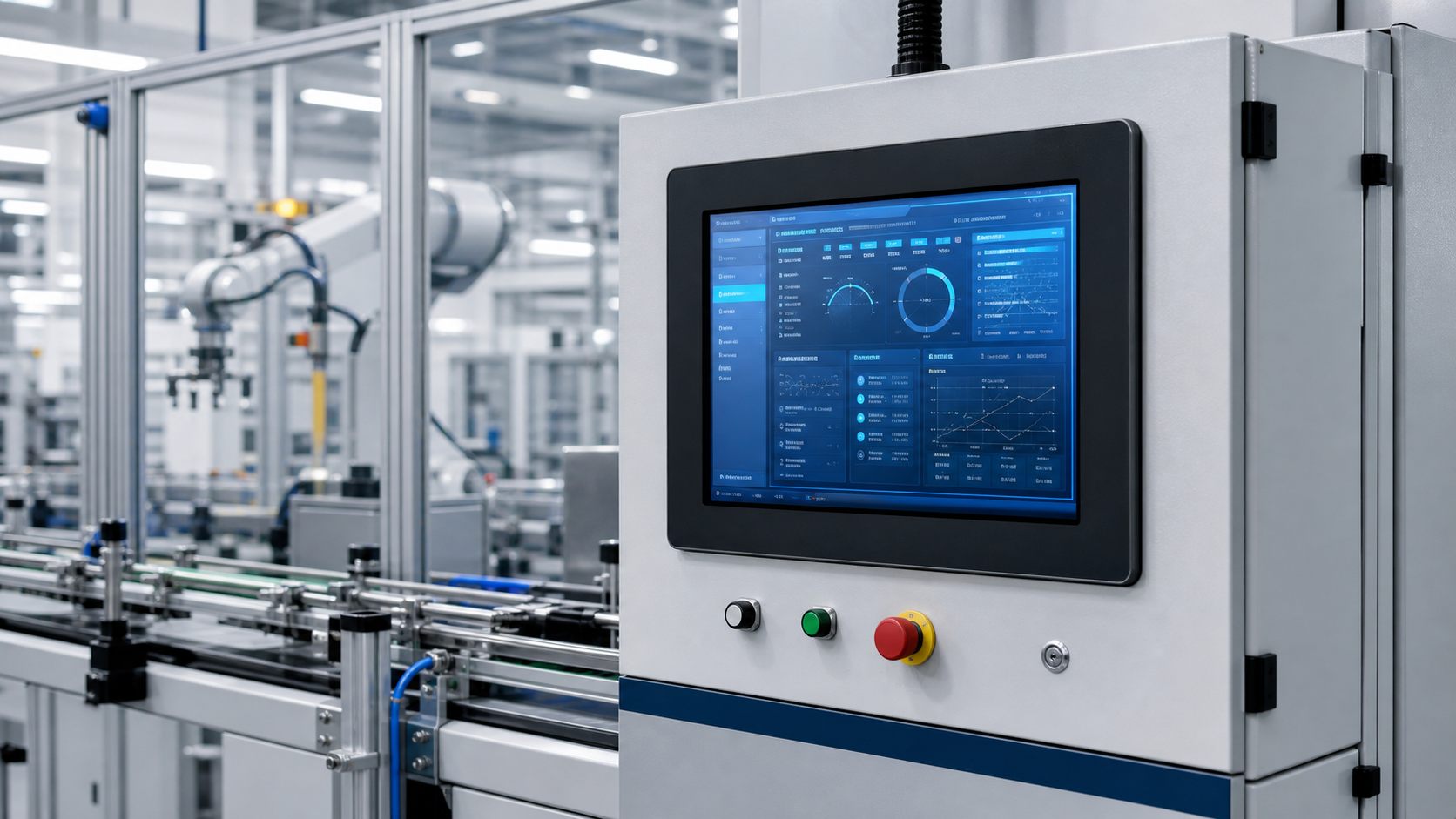
Factory Automation
HMI stations, production line control, machine monitoring, SCADA terminals, and operator interfaces.
View applicationMachine Vision
Inspection workstations, visual quality control, camera system terminals, and image review interfaces.
View application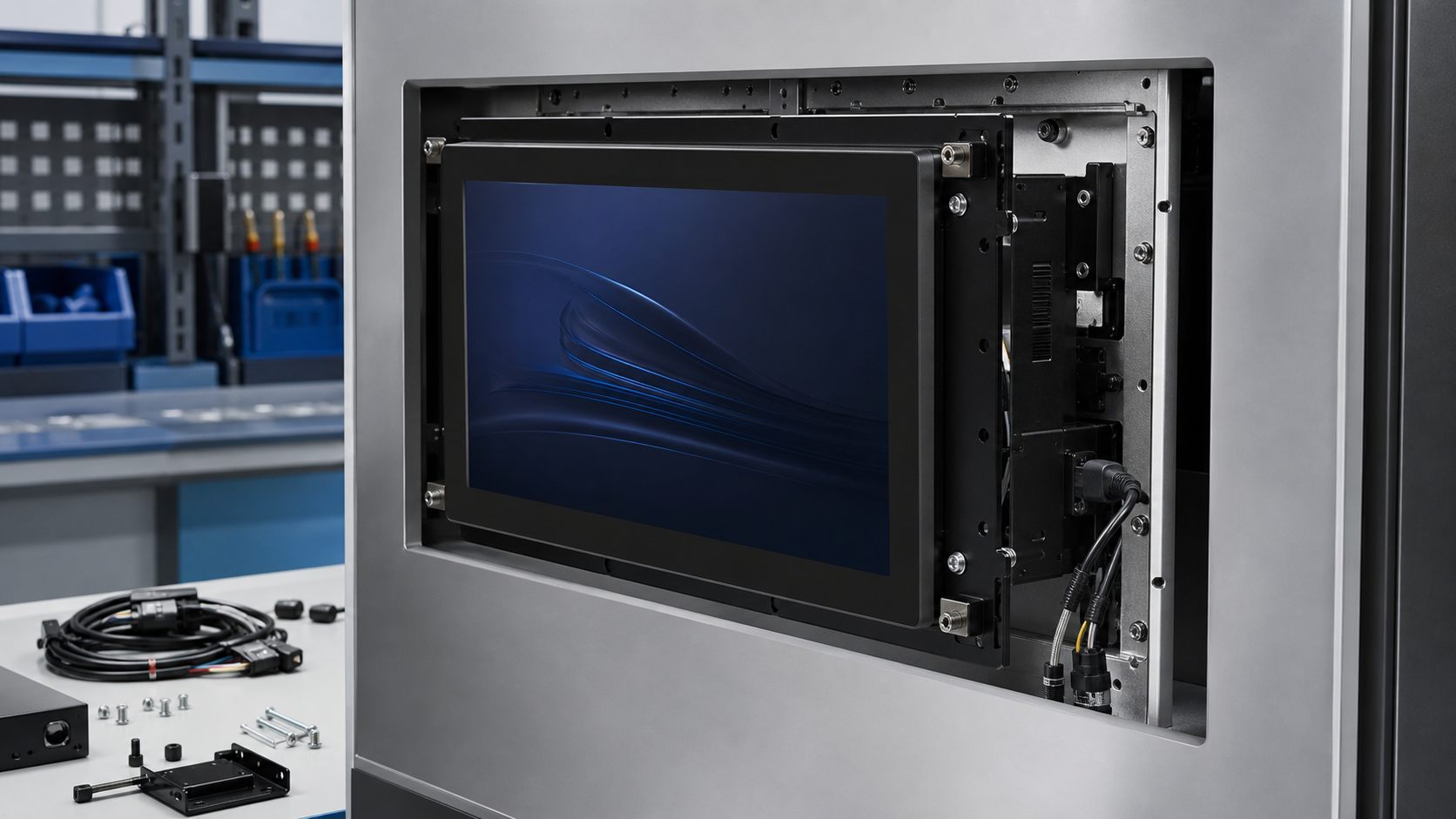
Kiosk and Terminal
Interactive terminals for self-service, retail, access control, and information display systems.
View application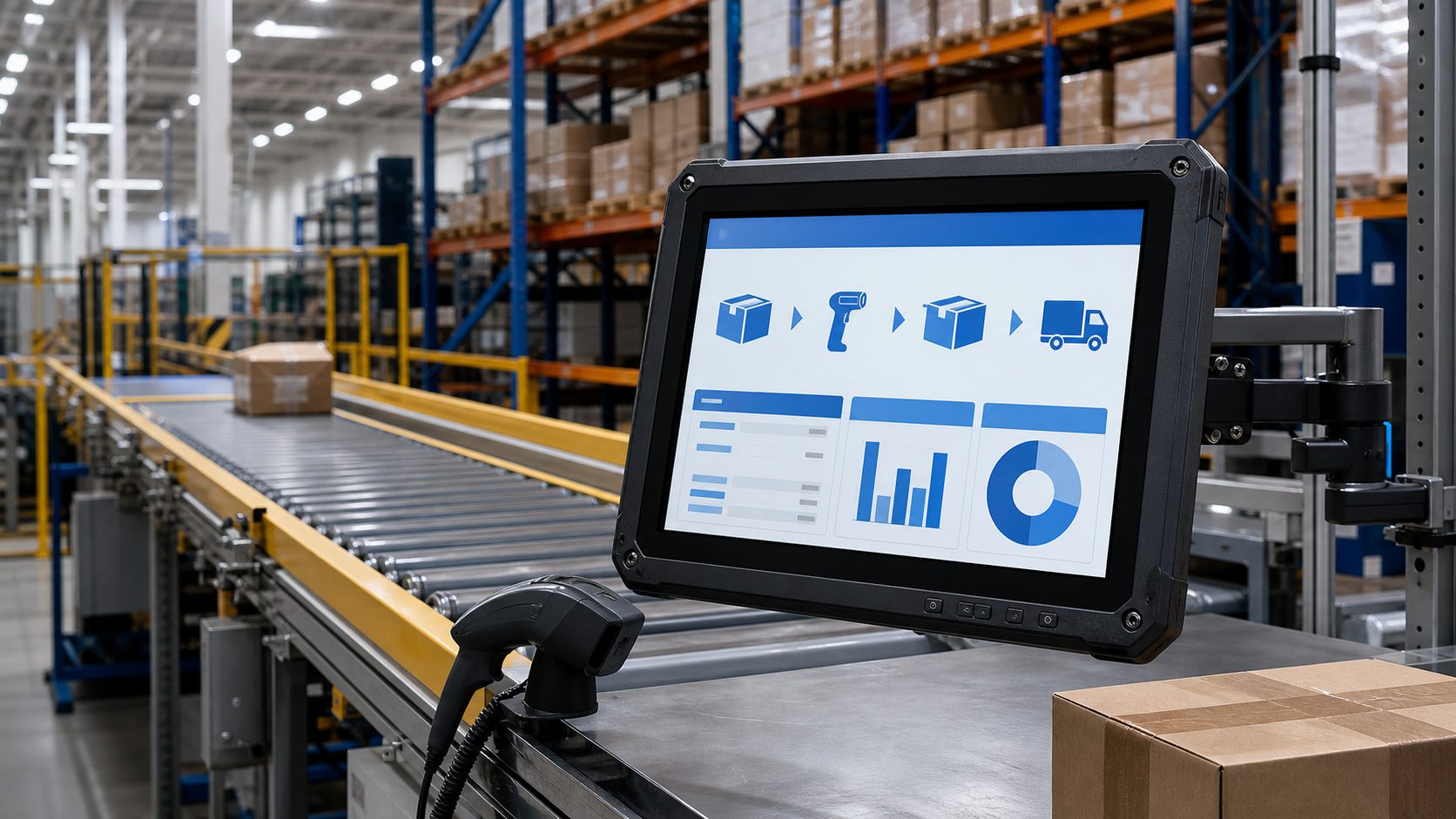
Warehouse and Logistics
Scanning stations, dispatch screens, packing lines, warehouse terminals, and inventory workflows.
View applicationProduct list for this size category
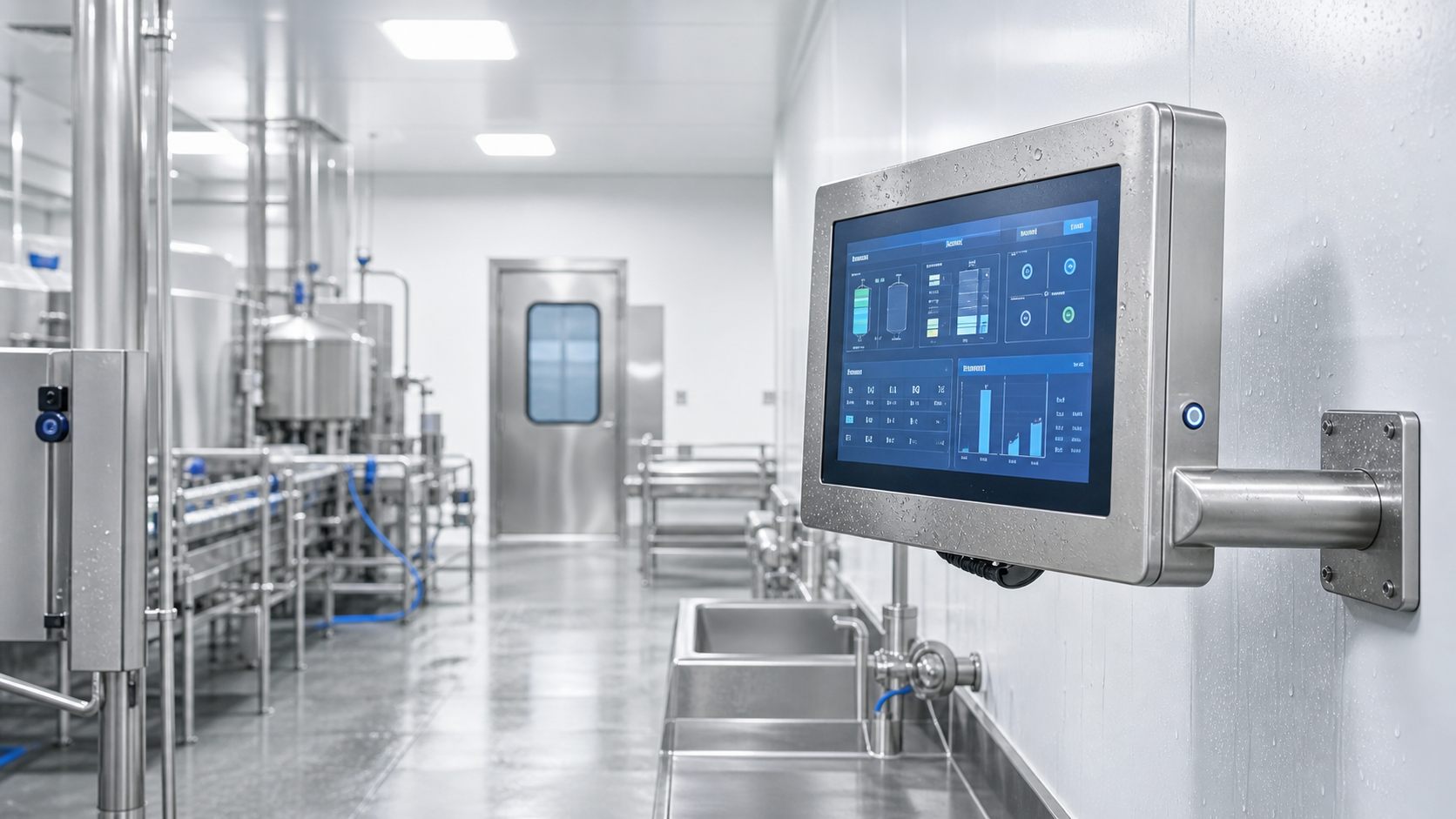
21.5 Inch Stainless Steel Panel PC
21.5 inch stainless steel panel PC for food, pharmaceutical, cleanroom, washdown, and hygienic production areas.
View product detailCertifications and compliance path
CE / FCC / RoHS
Common export compliance path for standard size-based industrial panel PC projects.
IP65 front panel option
Useful when the screen is mounted into a cabinet, equipment surface, wet area, or dusty production line.
Application-specific review
Food, medical, outdoor, and transportation projects should confirm compliance needs before sample selection.
Video showcase
Industrial Panel PC Product Overview
Overview of screen sizes, touch options, I/O interfaces, mounting methods, and common automation applications.
Panel Mount Installation Guide
Step-by-step placeholder for cabinet cutout, clips, front sealing, cable routing, and first boot checks.
Factory Automation Application Demo
Application video placeholder for HMI stations, MES terminals, production monitoring, and machine control.
Why choose Computer Smarts
Size and mounting check
We help confirm visible area, cutout, bracket, VESA, cable direction, and touch type before quotation.
Multiple product paths
The same display size can be matched with Windows, Android, fanless, waterproof, panel mount, or OEM configurations.
Sample-to-production support
Datasheet, drawing, RFQ checklist, sample feedback, and production configuration can be managed in one path.
FAQ for this size category
What information should I send for a fast quotation?
Send screen size, OS, CPU level, required I/O ports, mounting method, quantity, target market, certification needs, and expected delivery time.
Do you support OEM or private label projects?
Yes. We can support logo, packaging, boot screen, labeling, accessory kit, and model naming after the specification is confirmed.
What is the typical lead time?
Sample and mass production lead times depend on configuration and quantity. Standard models are usually faster than custom mechanical or OS projects.
How do I choose between Windows, Android, and Linux panel PCs?
Choose Windows for SCADA, MES, vision software, and legacy industrial applications. Choose Android for terminals, kiosks, and simple UI workflows. Choose Linux when the project already has a Linux control stack or needs embedded customization.
What does IP65 mean for an industrial panel PC?
IP65 usually means dust protection and water jet protection for the rated area. Many panel PCs are IP65 on the front panel only, so buyers should confirm whether the requirement is front-only or full enclosure protection.