Application fit
Start with the working environment before choosing the model.
The same screen size can need different enclosure, I/O, touch, mounting, and OS choices when it moves from a cabinet to a cleanroom, outdoor kiosk, vehicle, or inspection station.
What to confirm first
- Working environment: dust, water, cleaning, temperature, vibration, and installation space.
- Software stack: Windows, Android, Linux, SCADA, MES, vision software, kiosk UI, or custom app.
- Mechanical path: panel mount, VESA, open frame, wall mount, cart mount, or project bracket.
- I/O and lifecycle: LAN, COM, USB, RS485, power input, certification, quantity, and delivery schedule.
Representative application environments
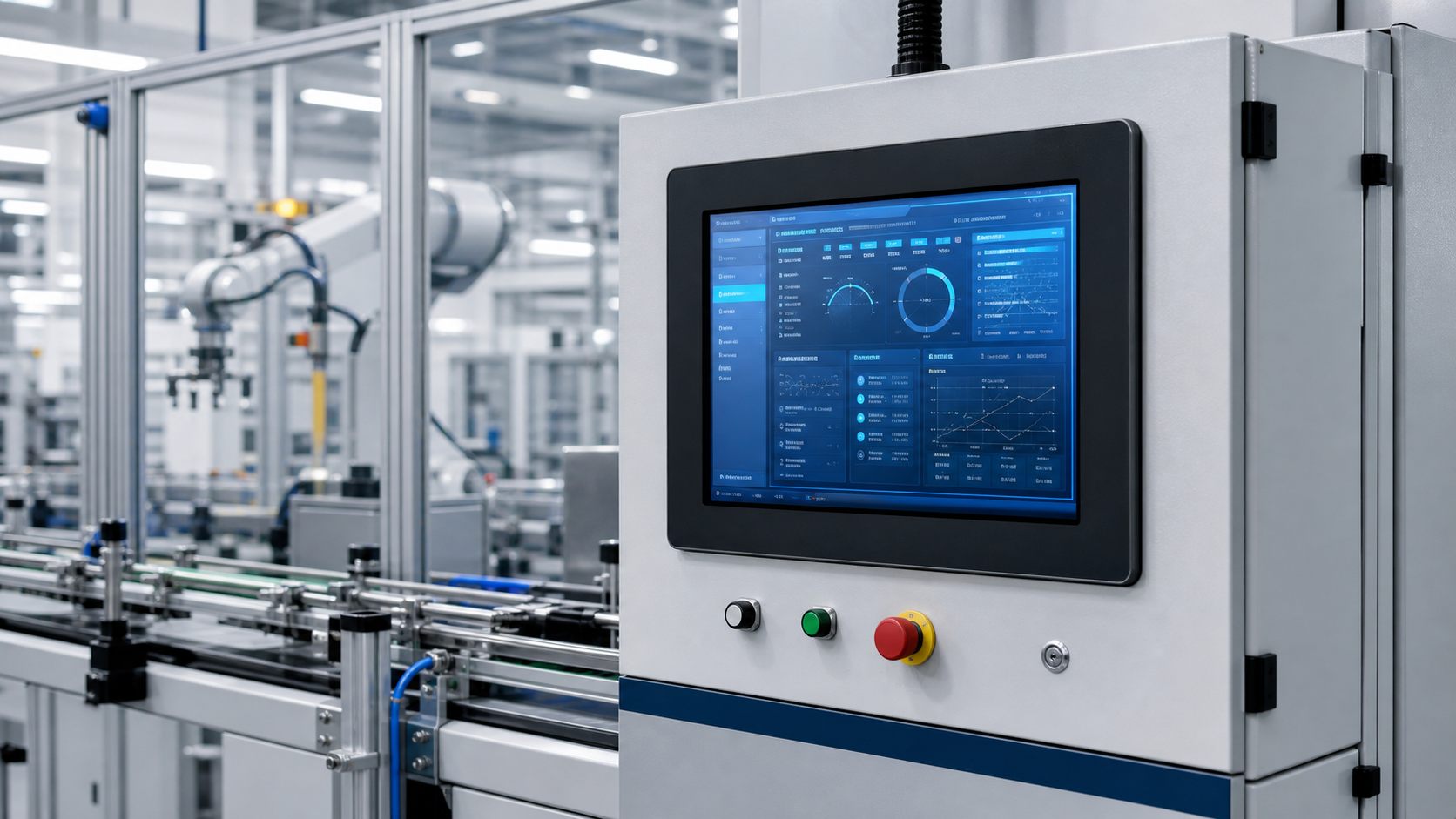
Factory Automation
HMI stations, production line control, machine monitoring, SCADA terminals, and operator interfaces.
View applicationMachine Vision
Inspection workstations, visual quality control, camera system terminals, and image review interfaces.
View application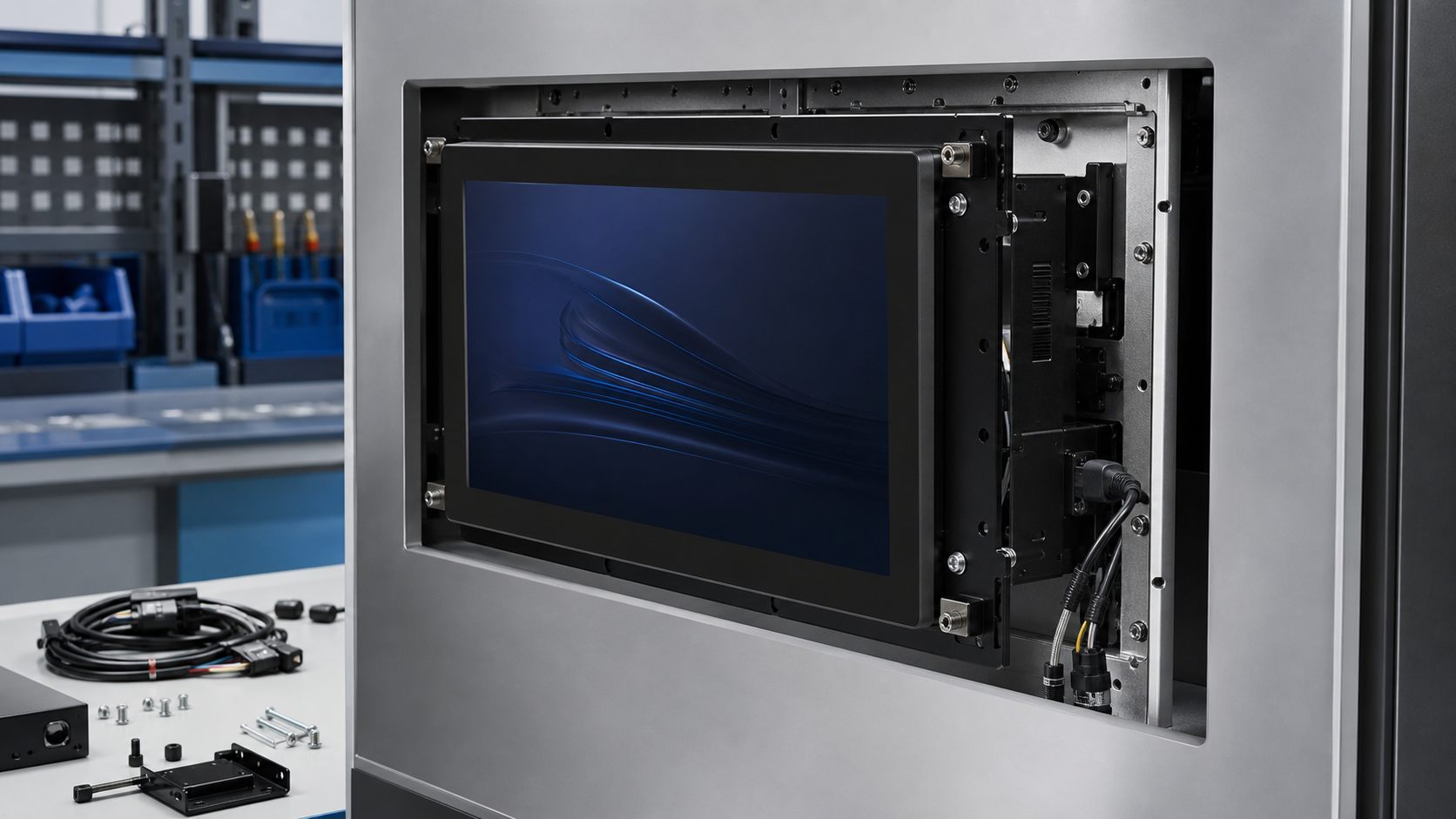
Kiosk and Terminal
Interactive terminals for self-service, retail, access control, and information display systems.
View application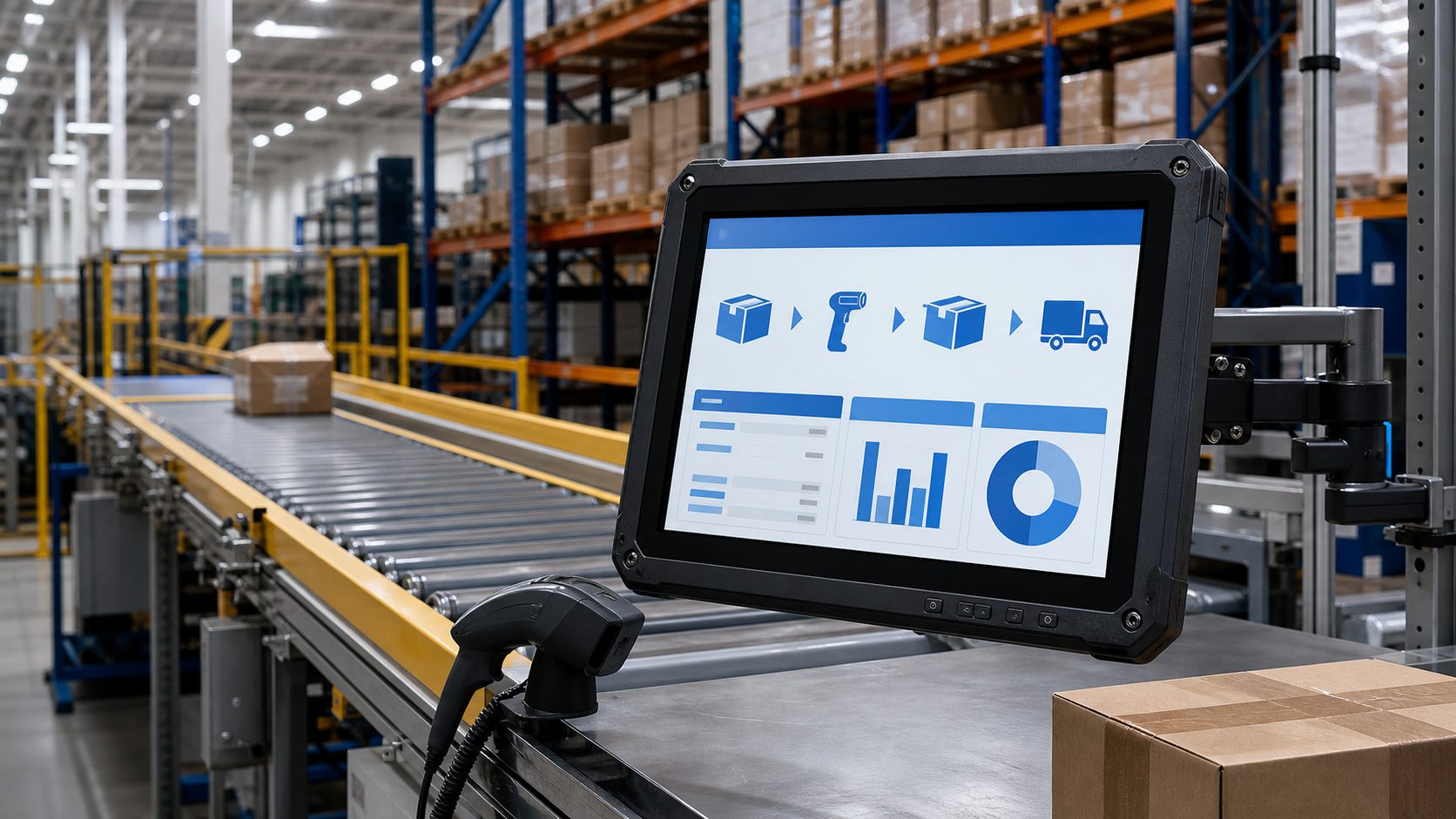
Warehouse and Logistics
Scanning stations, dispatch screens, packing lines, warehouse terminals, and inventory workflows.
View applicationRecommended sourcing path
A clear application brief helps avoid late sample changes. Send the environment, software, screen size, mounting, I/O, and target quantity before asking for final price.