A practical buyer guide covering screen size, touch type, CPU platform, mounting, I/O, lifecycle, and support requirements.
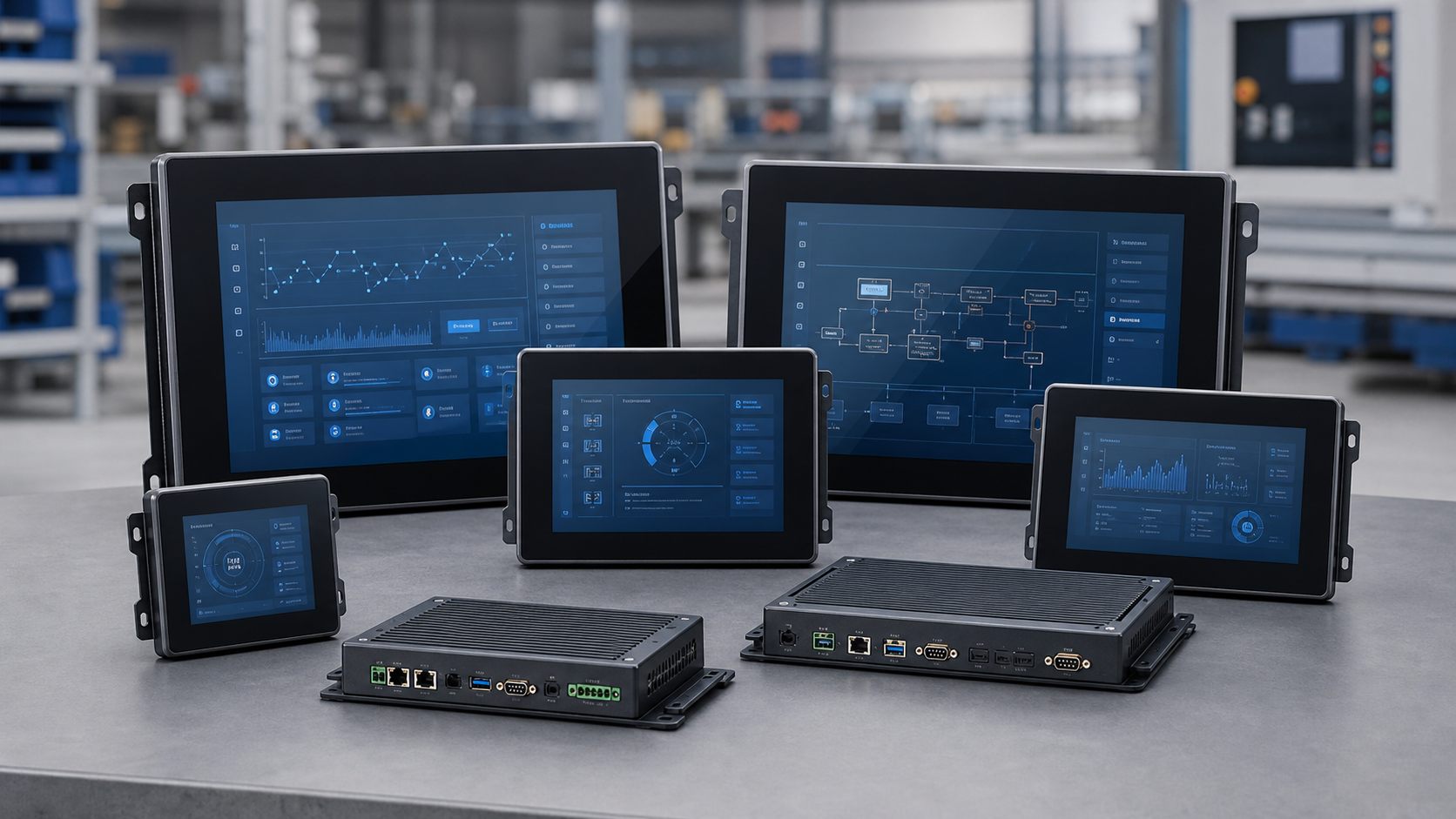
Start with the operating environment
Temperature, vibration, dust, liquid exposure, and cleaning methods define the enclosure, front panel, and touch requirements before CPU selection matters.
Match the OS to your software
Windows panel PCs fit SCADA, MES, and legacy industrial software. Android panel PCs fit terminals, kiosks, and lightweight interaction systems.
Confirm I/O early
COM, LAN, USB, HDMI, GPIO, and power input requirements should be confirmed before sampling to avoid late mechanical or board changes.
Related product paths
Industrial Panel PC
All-in-one industrial computers with touch display, embedded computing, rich I/O, and long lifecycle support for control and monitoring projects.
View category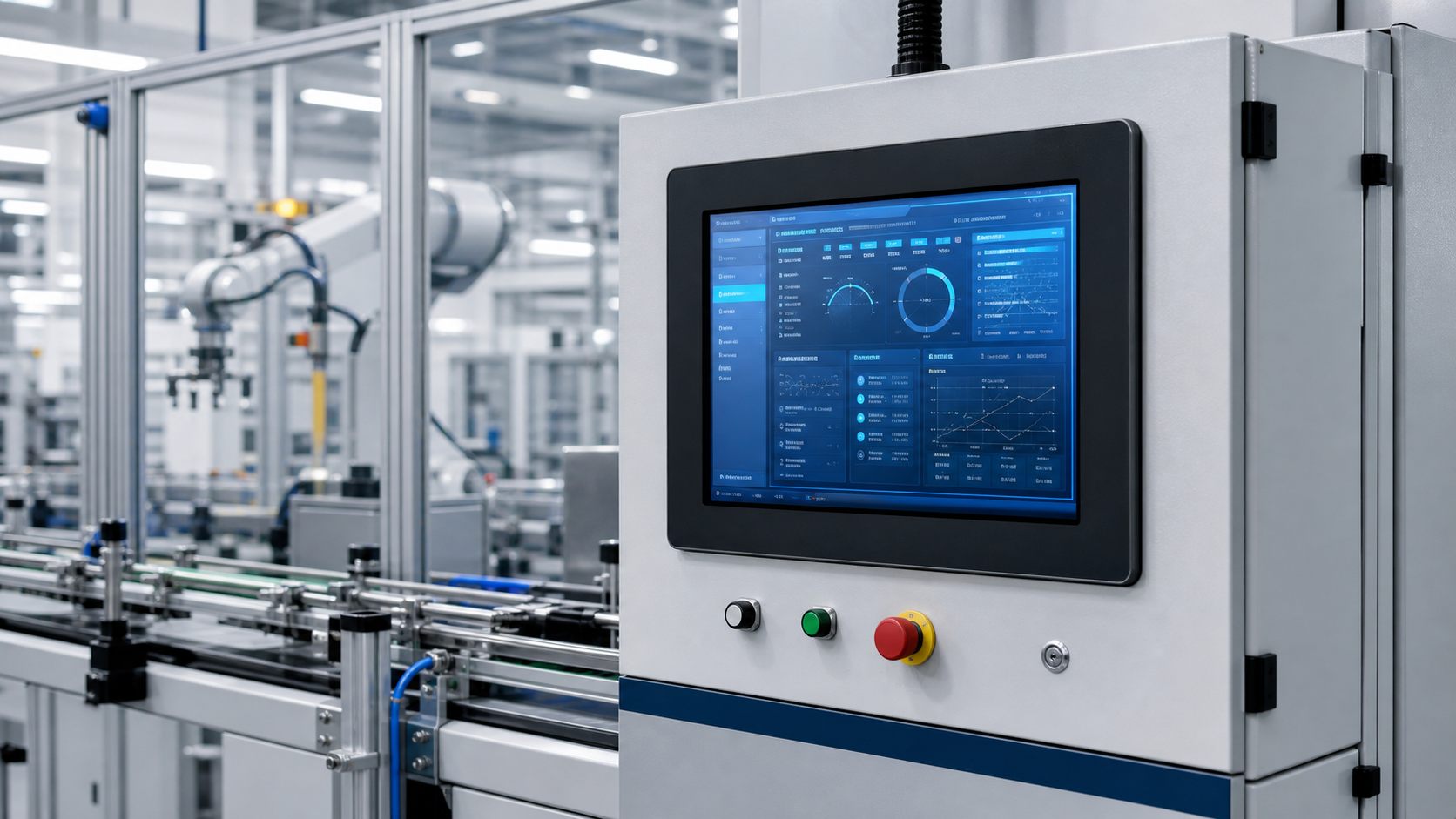
Industrial Touch Panel PC
Touchscreen panel PCs for HMI stations, operator terminals, machine interfaces, and production line interaction points.
View categoryFanless Panel PC
Fanless industrial panel PCs designed to reduce dust intake, noise, and moving-part failure risk in continuous industrial operation.
View categoryRFQ checklist before model selection
- Confirm screen size, brightness, touch type, mounting, and visible area.
- Confirm Windows, Android, Linux, or project OS image requirements.
- Confirm LAN, USB, COM, RS485, HDMI, GPIO, and power input needs.
- Confirm IP rating, working temperature, cleaning method, and certification scope.
- Confirm sample quantity, annual forecast, target market, and delivery timeline.